
Nutanix MSP, is a micro services platform on Nutanix that will enable many more services on Prism Central.
The first most useful capability that rides on Nutanix MSP is advanced networking. This is Nutanix’s very own flavour of Virtual Private Cloud (VPC) that is very similar to what is offered by public cloud providers such as AWS.
Step 1: Prism Central (PC) by default does not have DNS configured, therefore, we will need to point PC to any public DNS. Go to “Settings” > Network > “Name Servers”, enter 8.8.8.8 and click on “Add”

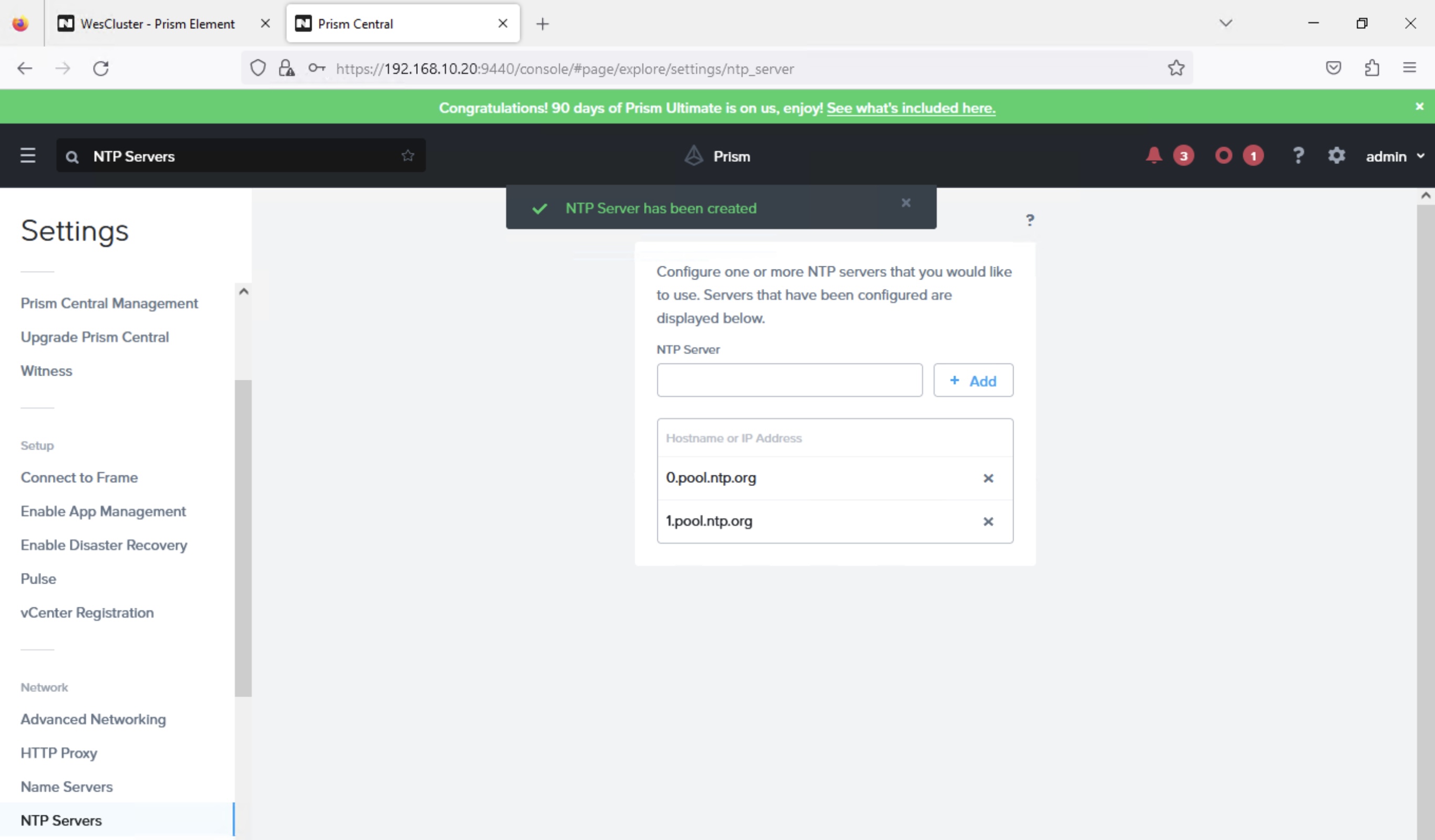
Step 2: Prism Central (PC) by default does not have NTP configured, therefore, we will need to point PC to any public NTP. At the same page, go to “Settings” > “Network” > “NTP Servers”. Enter “0.pool.ntp.org” and “1.pool.ntp.org” and click “Add”
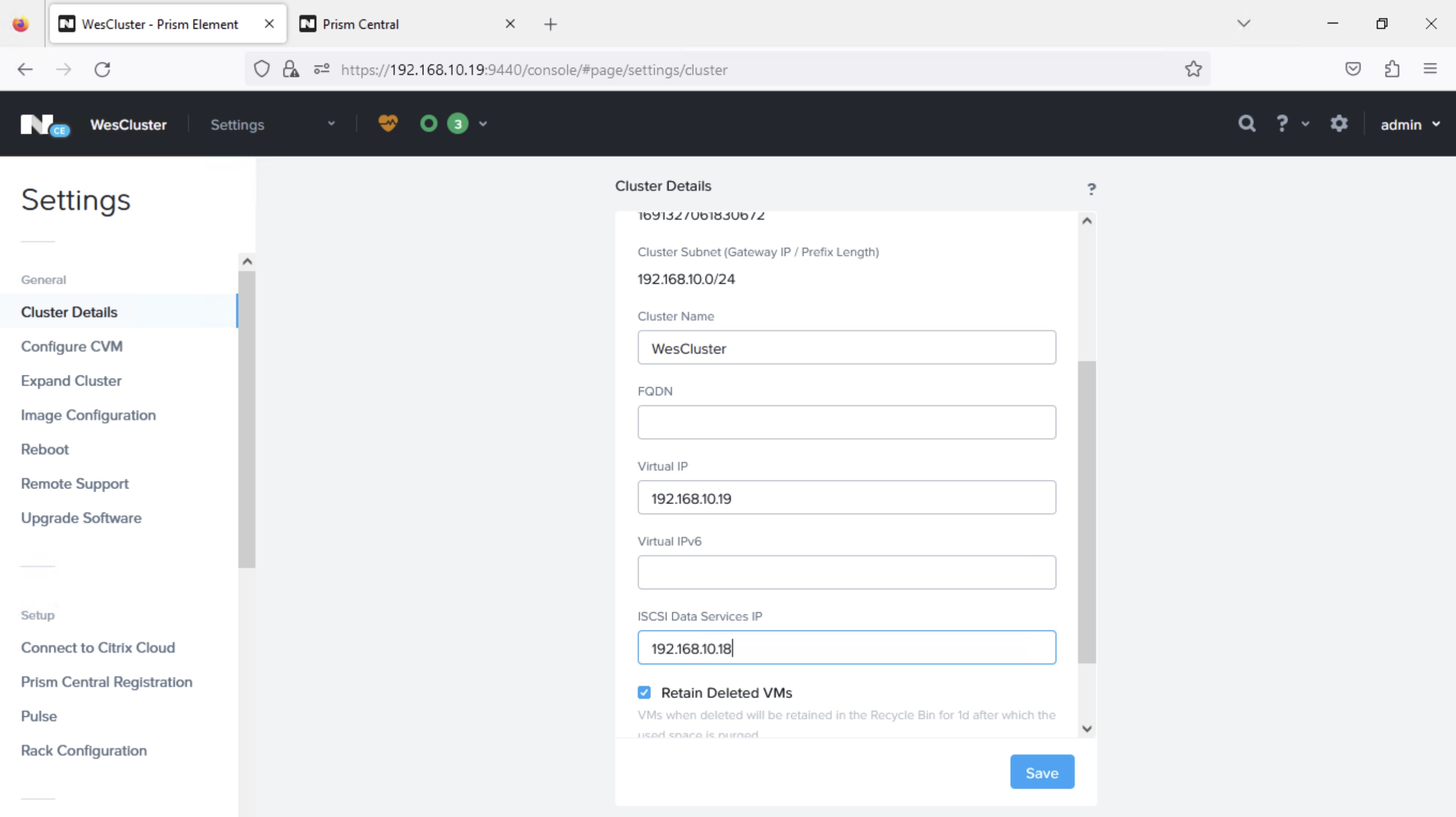
Step 3: We will also need to enter ISCSI Data Services IP in the “Prism Element (PE)” cluster that is managed by this “Prism Central (PC)”. Therefore, we go to PE using https://192.168.10.19:9440, go to “Settings” > “General” > “Cluster Details”. Enter the “ISCSI Data Services IP” address as “192.168.10.18”
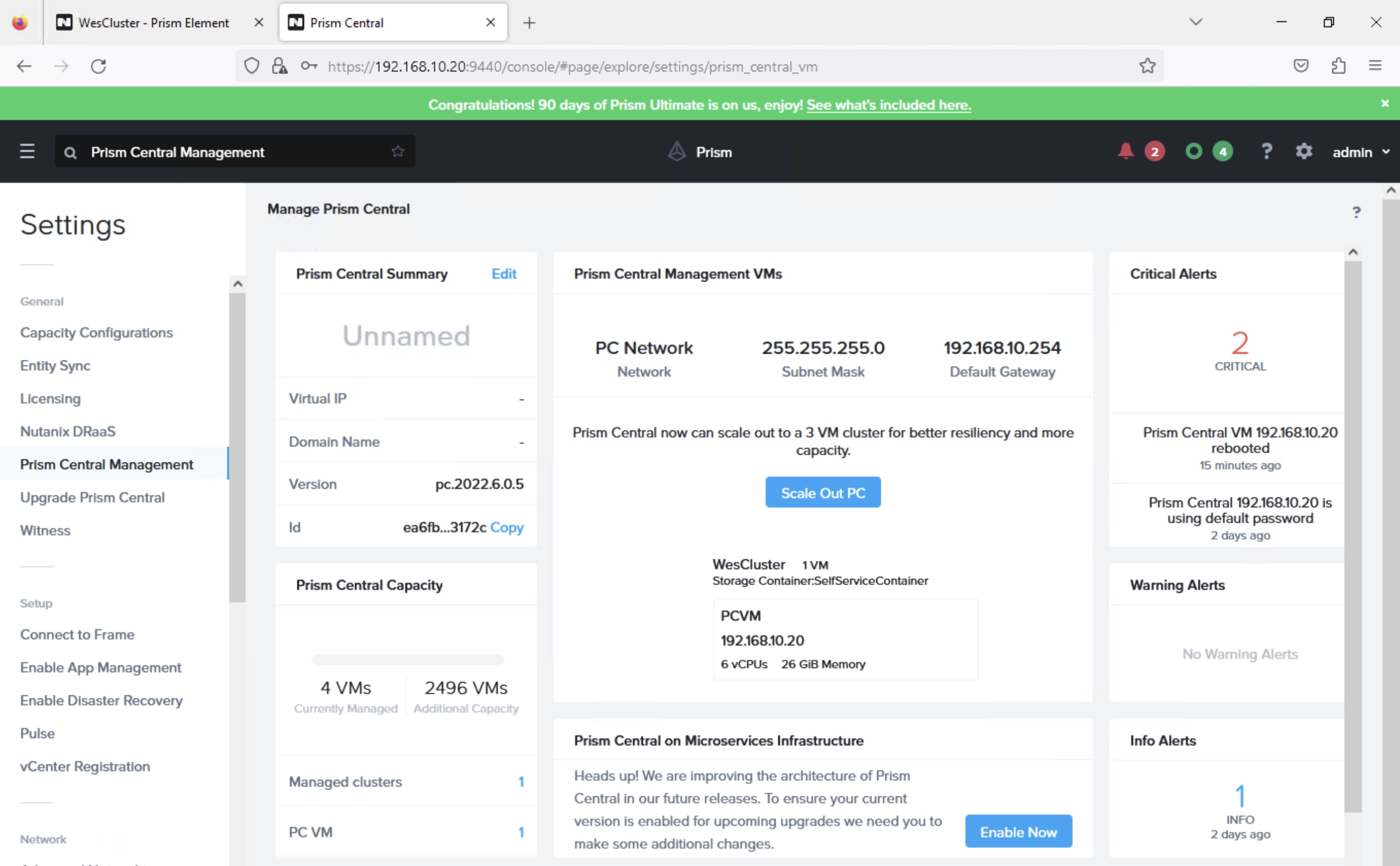
Step 4: Let’s go back to Prism Central (PC) https://192.168.10.20:9440, go to “Settings” > “General” > “Prism Central Management”. On the “Prism Central on Microservices Infrastructure” tile, click on the “Enable Now” button.
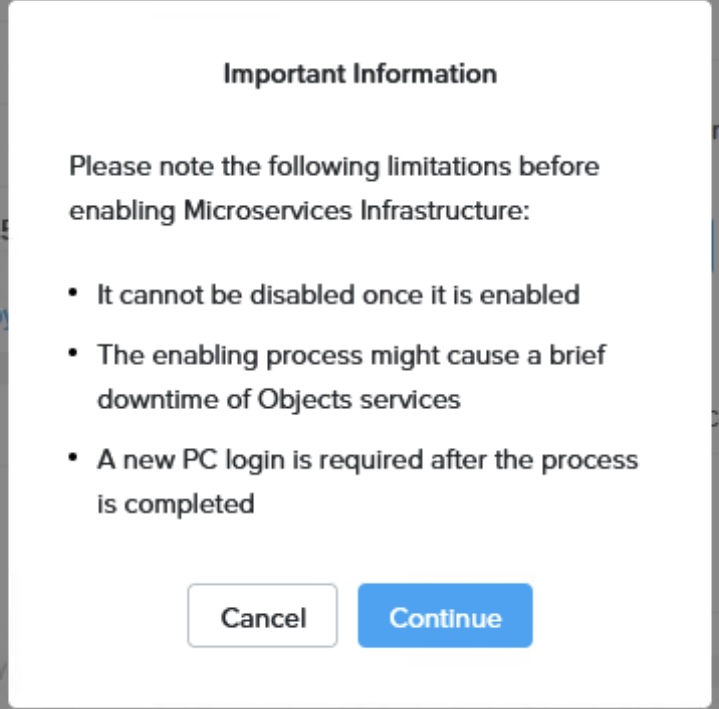
Step 5: Click “Continue” when you see this prompt
Step 6: Accept the defaults and click on “Validate”
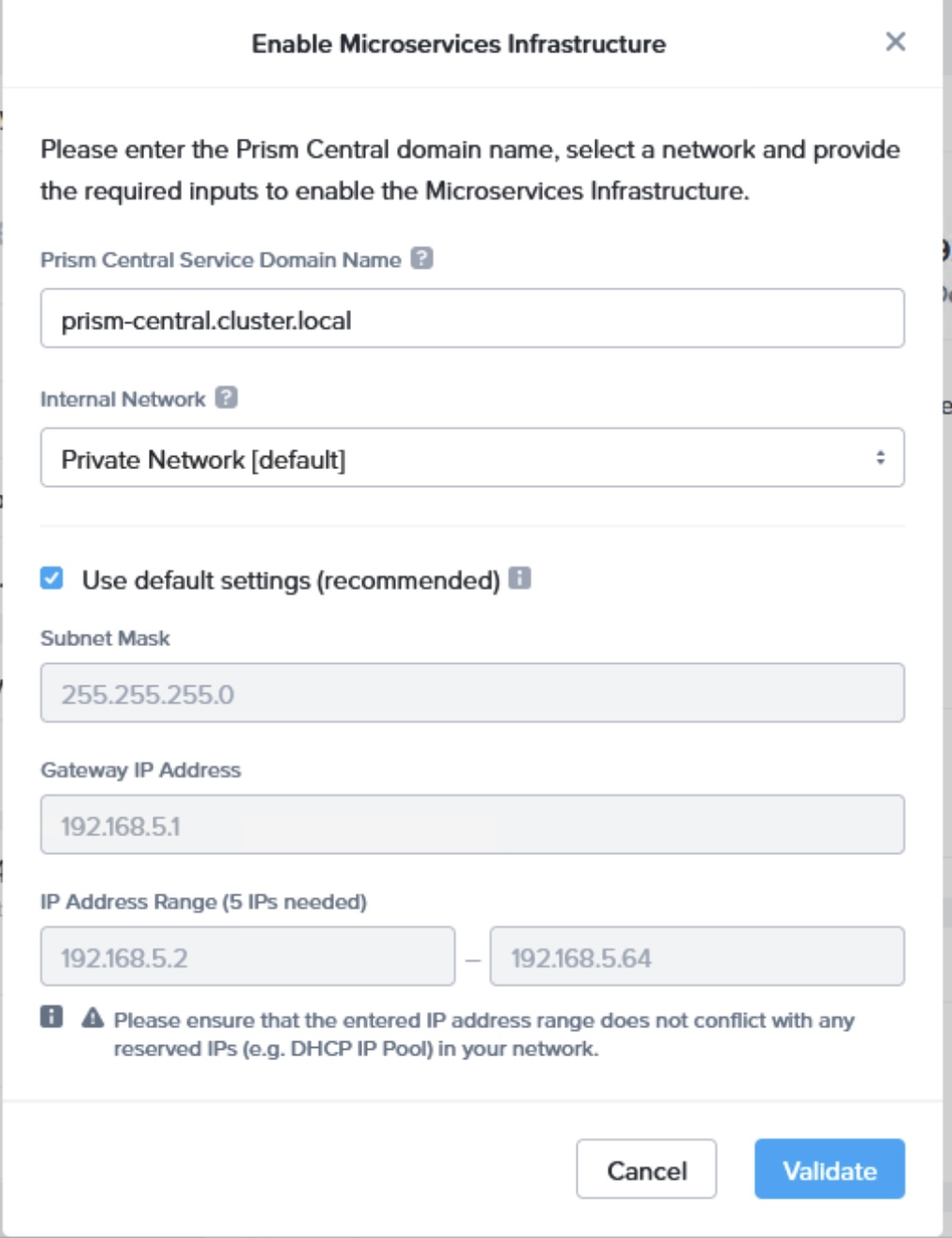
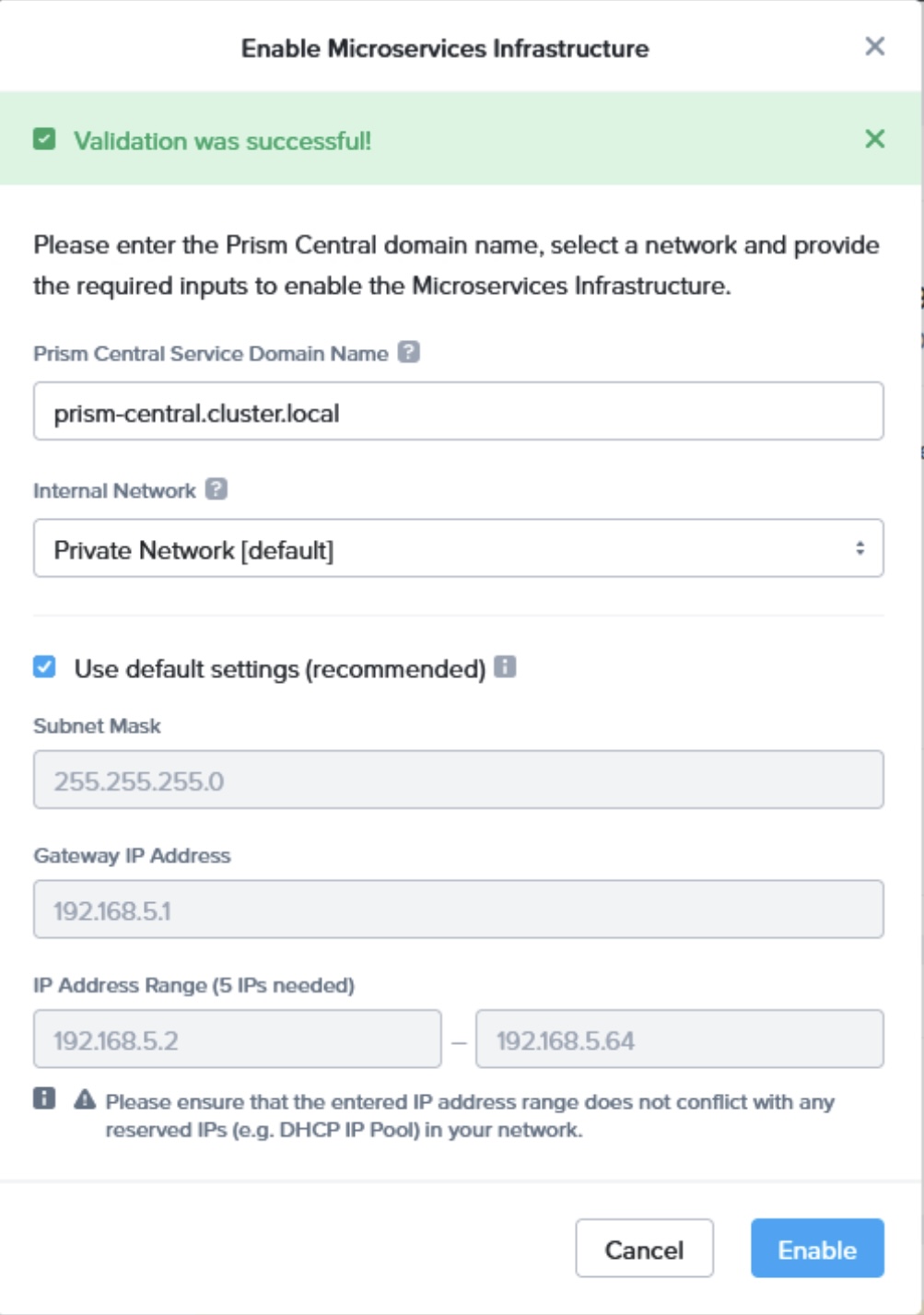
Step 7: If the DNS, NTP and ISCSI Data Services IP are configured, you should see the successful validation screen. Click “Enable” button to start provisioning the Nutanix MSP.
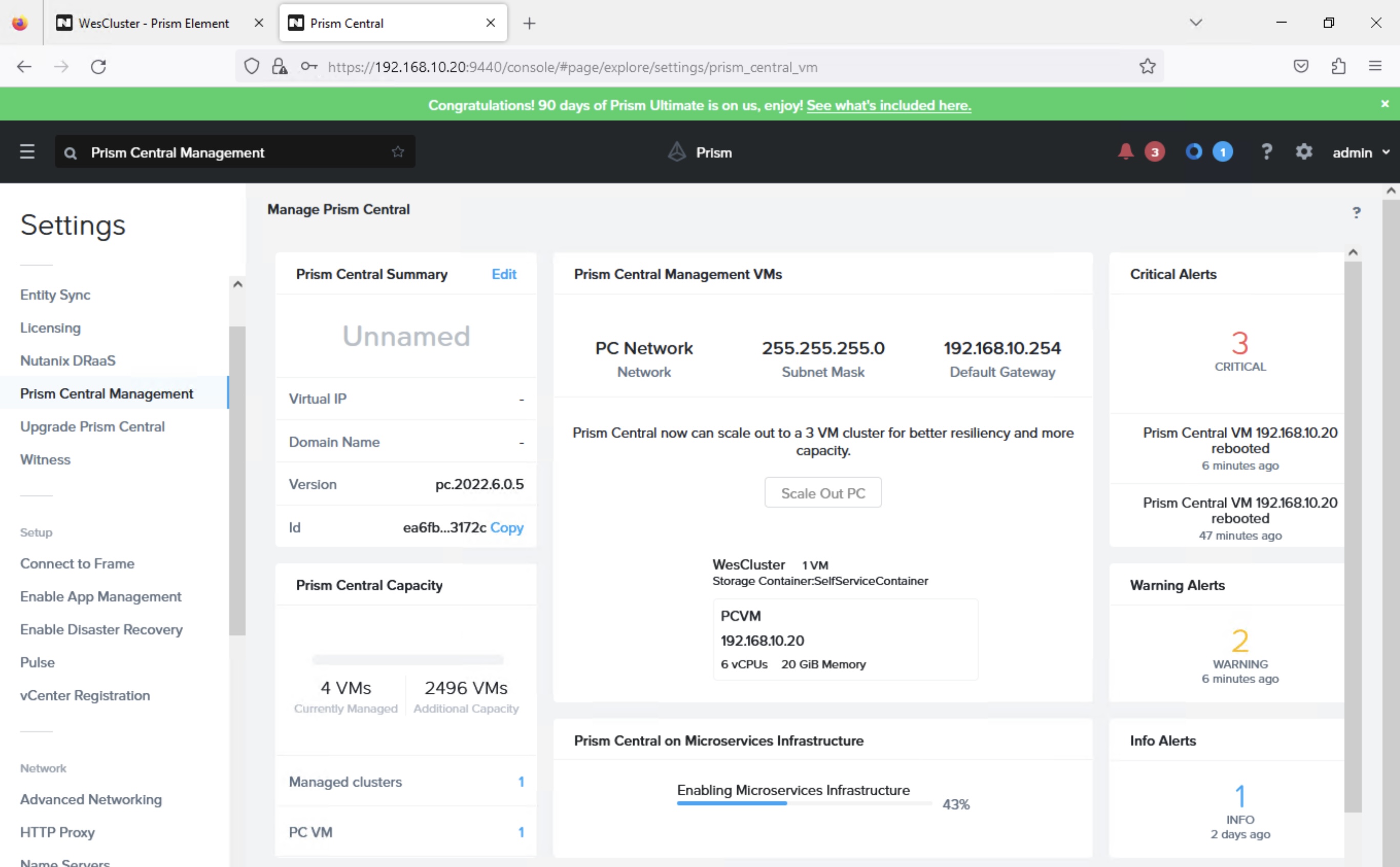
Step 8: You will see the following screen when Nutanix MSP is enabling in progress. This enablement will take a while.
Step 9: Once Nutanix MSP is enabled, you should see the following screenshot. Notice the tile on “Prism Central on MicroServices Infrastructure”

Step 10: Once the enablement of Nutanix MSP is completed, the login page of Prism Central will be changed as well to the below

In the next blog post, I will share on enabling Nutanix Advanced Networking, Nutanix’s Virtual Private Cloud offerings for private cloud.
 Wesnovator Solutions
You must be logged in to post a comment.